Public Access to DTC Ice Sheets Dashboard and API
Published: 2026-05-06
The DTC Ice Sheets dashboard and Query API are now open to anyone to try!
The dashboard brings all four use cases together on a single interactive globe, where you can explore the data, run what-if scenarios and download results. The Query API gives you programmatic access to the same capabilities, so you can run DTC Ice Sheets workflows from your own notebooks and scripts.
You can sign into both with your ESA EO-IAM, GitHub or Google account.
Using the dashboard
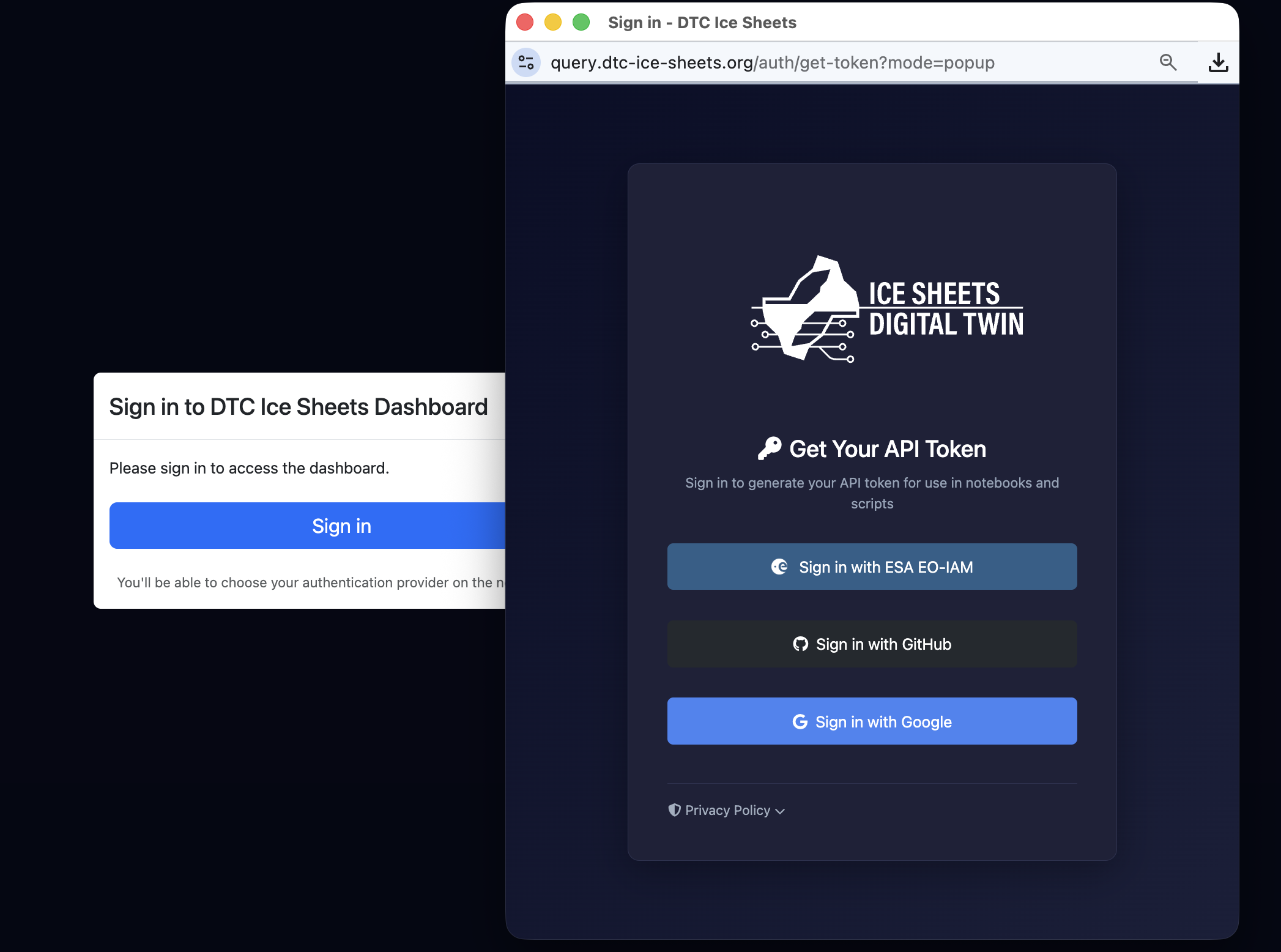
When you open the dashboard, a pop-up will ask you to sign in, and you can then simply choose your sign-in provider.
Using the Query API
First, sign in at query.dtc-ice-sheets.org/auth/get-token to generate your personal DTC-IS API token. On the same page, you can view your quotas: to keep the service fair for everyone and its running costs under control, each user has a quota on the workflow execution time their requests can use.
You can then use your token in three ways:
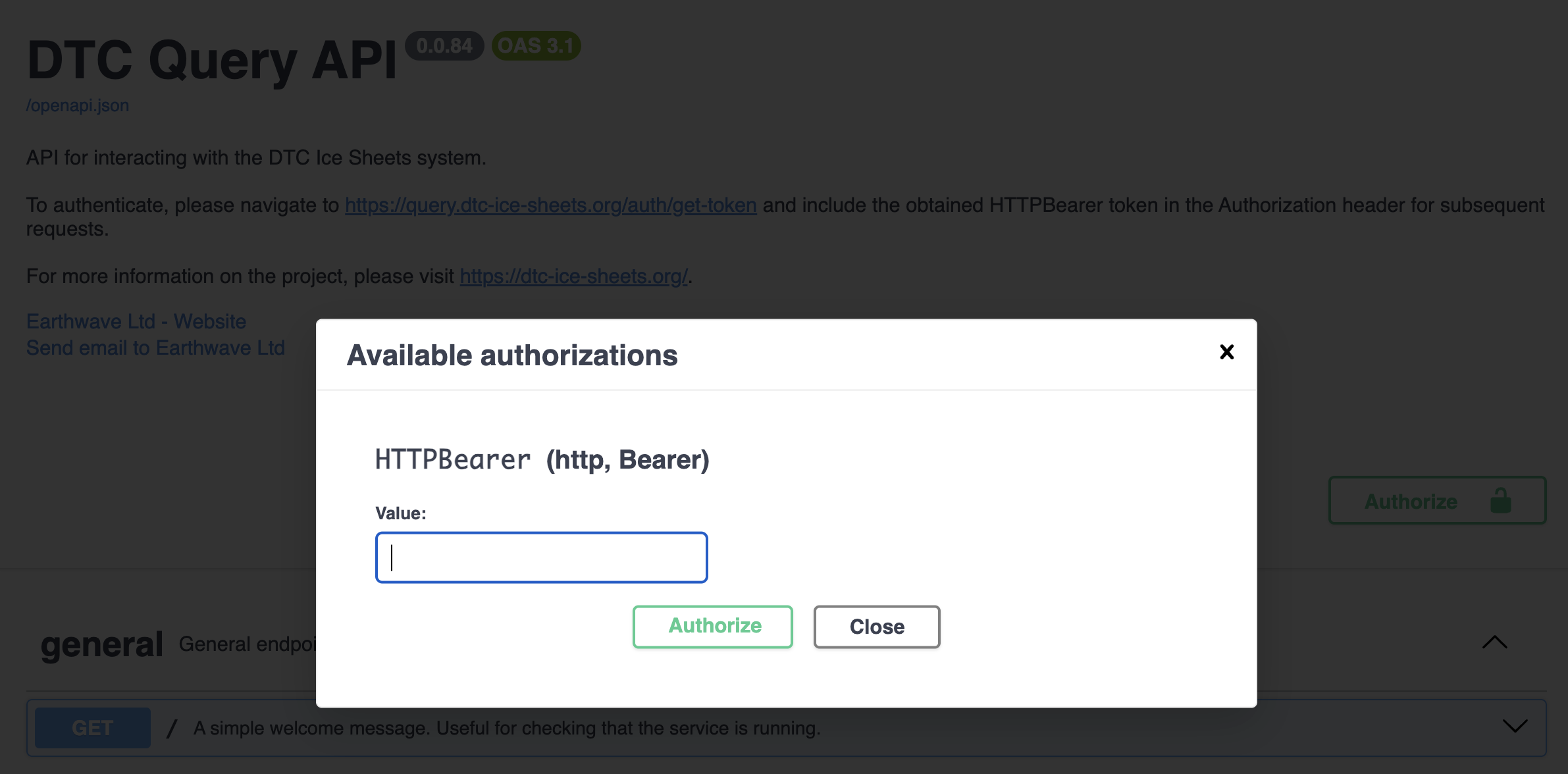
- In the interactive API documentation: go to query.dtc-ice-sheets.org/docs, click Authorize and paste in your token. You can then try out any endpoint directly from your browser.
- With the Python client: install it with
pip install dtc-query-clientand pass your token in asaccess_tokenwhen creating itsConfiguration. See the dtc-query-client page on PyPI for examples. - Directly in a request: add the header
Authorization: Bearer <your token>to any request.
Please note this is a prototype system, and its functionality and performance are still evolving! Please share your thoughts via this short form, or reach out to us directly at support@dtc-ice-sheets.org.